
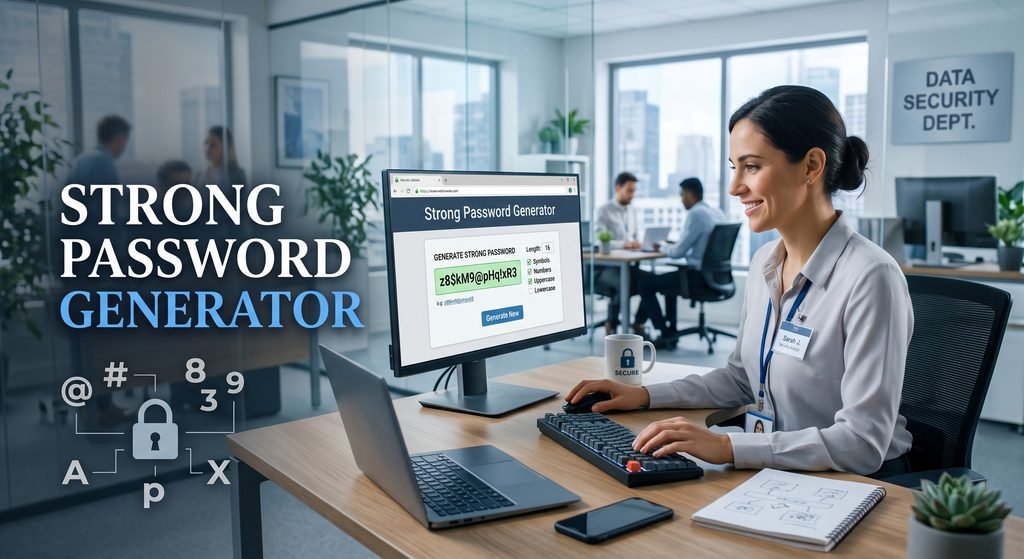
What is A Strong Password Generator? This generator will help you generate safe and random passwords without coming up with hard-to-come-up-with combinations on your own.
ToolMatrix Password Generator gives you the flexibility to specify password length and select upper case, lower case, numbers and symbols as per your requirement. Also, you can avoid using characters that might look alike and therefore can confuse you later on, like letter O and number 0. The generator is based on secure browser randomness and doesn’t require any sign-in or registration.
The generated passwords aren’t sent to any server or saved anywhere by the generator. You can simply copy the generated password straightaway and use it for website logins, email accounts, applications, Wi-Fi networks or other online services.
Strong Password Generator
Generate strong random passwords instantly using secure browser-side randomness.
What Is a Strong Password?
A good password can be considered any password which is hard to be guessed by anyone or even by any computer program.
Nonetheless, the length of a password is also an important factor. In most cases, the longer the password is, the greater number of character combinations it will have.
How Does the Password Generator Function?
Password generators create passwords randomly using characters that depend on the choices of the user.
With the ToolMatrix Password Generator you can choose:
- Password length
- Uppercase letters
- Lowercase letters
- Numbers
- Symbols
- Ambiguous character exclusion
- Multiple password generation
How to Use the ToolMatrix Password Generator
Step 1: Determine Password Length
Set a slider or enter a precise password length.
Step 2: Choose Character Sets
Select upper case letters, lower case letters, numbers and symbols.
Step 3: Remove Ambiguous Characters
Tick this box if you do not wish to include ambiguous characters like O, 0, I and 1.
Step 4: Create Password
Press the Generate Password button to generate a new random password.
Step 5: Evaluate Strength of Your Password
The password strength meter will show how strong your password is — it will be rated either as Weak, Fair, Strong or Very Strong.
Step 6: Copy Your Password
Press Copy Password to copy your randomly generated password instantly to the clipboard.
Why Use a Strong Password?
A good password will protect your online accounts against some of the most common password guesses.
It is also useful to use separate passwords for separate accounts in case someone discovers one of them because then the person won't be able to guess all of your passwords just by that.
It is also a good idea to use two-factor authentication (2FA) where possible.
Interesting Password Facts
💡Fact 1
The longer the password is, the greater the number of combinations it will have.
💡Fact 2
Using one password for several web sites makes the use of the password even more dangerous in case it gets into wrong hands.
💡Fact 3
Passwords created randomly can be much more unpredictable than personal passwords.
💡Fact 4
The combination of various types of characters in a password can raise the number of combinations it has.
💡Fact 5
Two-factor authentication can add another level of security in addition to the password.

No Comment! Be the first one.