
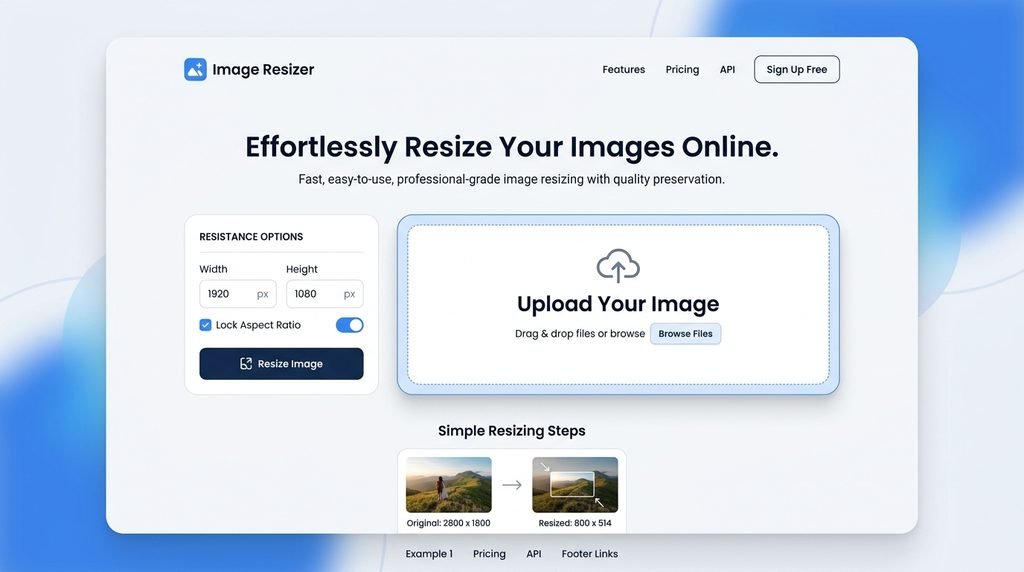
The image resizer is a straightforward and easy-to-use online utility which allows to resize images right inside your browser by adjusting their height and width. With the help of ToolMatrix Image Resizer, you can load an image, set custom dimensions, lock/unlock aspect ratio and preview the result prior to downloading the resized image. Moreover, it is possible to specify the output format and control the image quality as well. The tool makes use of the HTML5 Canvas API and processes your images locally in your browser. Thus, you do not need to upload any of your images on any web server or cloud storage service. This utility may come in handy when resizing images for your websites, blogs, profiles on social networks and other online projects.
What Is an Image Resizer?
The Image Resizer is an application or web service used for resizing an image.
Suppose that an image is initially:
1920 × 1080 pixels.
The image can be resized to:
1280 × 720 pixels.
It will have the same aspect ratio as before.
Image resizing may be needed when there are requirements for image size at websites, software programs, social media, and other places.
Image Resizer
Resize your images instantly in your browser.
How to Use the ToolMatrix Image Resizer
Step 1: Upload Your Image
You can upload your image file from your device or drag and drop it into the editor.
Step 2: View Image Info
Look at the initial width, height, and any additional information about the image.
Step 3: Enter Width and Height
Input your width and height requirements in pixels.
Step 4: Maintain Aspect Ratio
Lock the aspect ratio if you wish your image to keep its initial proportions.
Step 5: Choose Output Format
Pick an output format for the resized image (for example, JPG, PNG, and WebP when supported).
Step 6: Set Quality
Set up the quality of the resized image file (in case you use a supported compressed image format).
Step 7: Preview
Preview your resized image before downloading.
Step 8: Download
Press the download button and download your resized image.
Image Resizer Features
- Resizes pictures online
- Custom width
- Custom height
- Lock aspect ratio
- Unlock aspect ratio
- Preview in real time
- Image size information
- Select output format
- Control picture quality
- JPG format
- PNG format
- WebP format
- Upload by drag & drop
- Processing on client side
- Processing using Canvas API
- Reset feature
- Download resized picture
- Interface suitable for mobile devices
- No need to register
- Quick processing
Frequently Asked Questions
What Is An Image Resizer?
An Image Resizer is a tool that resizes an image by setting its width and height based on user-selected dimensions.
Can I Resize An Image For Free Online?
Yes. ToolMatrix provides an image resizer which can be accessed in your browser.
Can I set custom width and height for my image?
Yes. Custom width and height can be specified in pixels.
What Is An Aspect Ratio?
Aspect ratio refers to the ratio between the width and height of an image. Preserving the aspect ratio ensures that the image doesn’t look squashed.
Do I need to lock the aspect ratio?
If you want to preserve the shape of the image, locking the aspect ratio is advisable.
Can I resize JPG images?
Yes. JPG images can be processed by the Image Resizer.
Can I resize PNG images?
Yes. PNG images can also be resized.
Can I resize WebP images?
Yes. Modern browsers can process WebP images.

No Comment! Be the first one.