
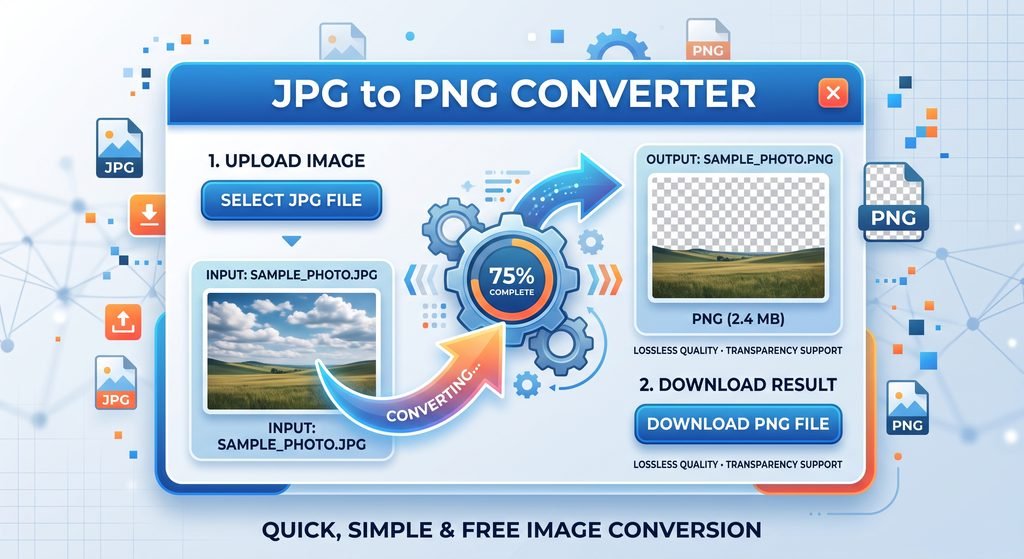
JPG to PNG Converter is an online image converter that enables you to convert your JPG and JPEG images to quality PNG images right in your browser. Just upload one or more JPG images, view your files, and convert them to PNG without downloading extra software. The converter supports features like drag-and-drop uploads, shows information about your image/file, shows you the progress of your conversion process, and enables you to download your converted PNG files individually. Since the conversion process is done using the browser Canvas API, your images will be converted locally without the need of uploading them to a server. It is an important online converter for bloggers, designers, students, developers, social media marketers, or even anyone looking to convert his image from JPG to PNG.
JPG to PNG Converter
Convert JPG and JPEG images to PNG directly in your browser.
Why Convert JPG to PNG?
Converting JPG images to PNG can be useful when you need:
- Improved preservation of image data
- PNG compatibility with an application
- Format which is lossless
- Images compatible with graphic design work
- Better support for screenshots and digital graphics
- Format which enables transparency
Frequently Asked Questions
What is a JPG to PNG converter?
A JPG to PNG converter is an online tool that changes JPG or JPEG images into PNG format.
Is JPG to PNG conversion free?
Yes. ToolMatrix can provide the JPG to PNG conversion tool free of charge.
Can I convert multiple JPG files at once?
Yes. You can upload multiple JPG or JPEG images and convert them individually.
Does converting JPG to PNG improve image quality?
Converting JPG to PNG does not restore image information that was already lost during JPG compression. PNG can preserve the current image without introducing additional lossy compression.
Does PNG support transparency?
Yes, PNG supports transparency. However, simply converting a JPG to PNG does not automatically create a transparent background.

No Comment! Be the first one.